
KUHN Connect

DIGITAL-SERVICES_INTRO-Visual_2021.png

Make the most of your ISOBUS terminal

Limit downtime and increase efficiency with easy updates and data transfer. KUHN Connect offers simple data transfer, online updates and remote viewing.

Contact your dealer for pricing

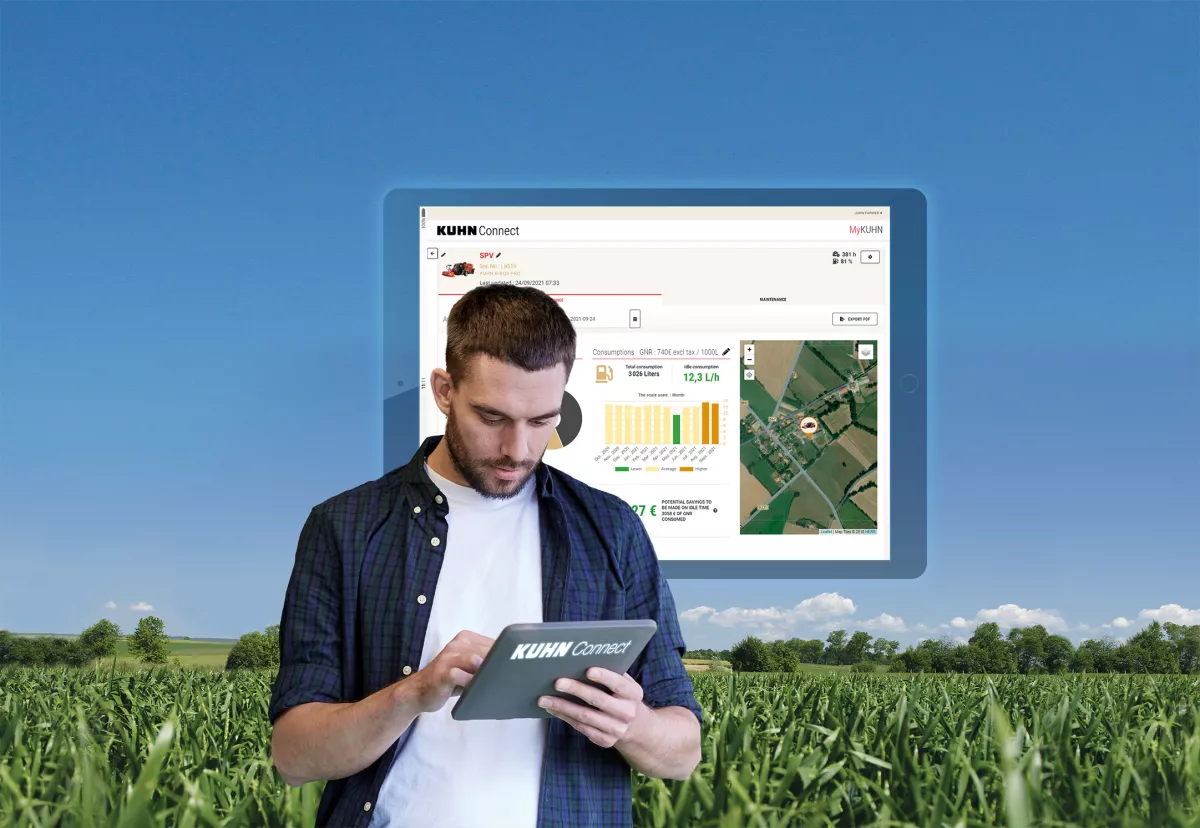
KUHN Connect, found within your MyKUHN account, can help maximize the features of your CCI terminal. With a simple wi-fi adapter, your terminal can be connected to the internet, providing access to KUHN CCI Connect Lite or KUHN EasyTransfer. These services provide access to features such as downtime reduction, driver assistance and remote data transfer, for non-stop work management with less interruptions.

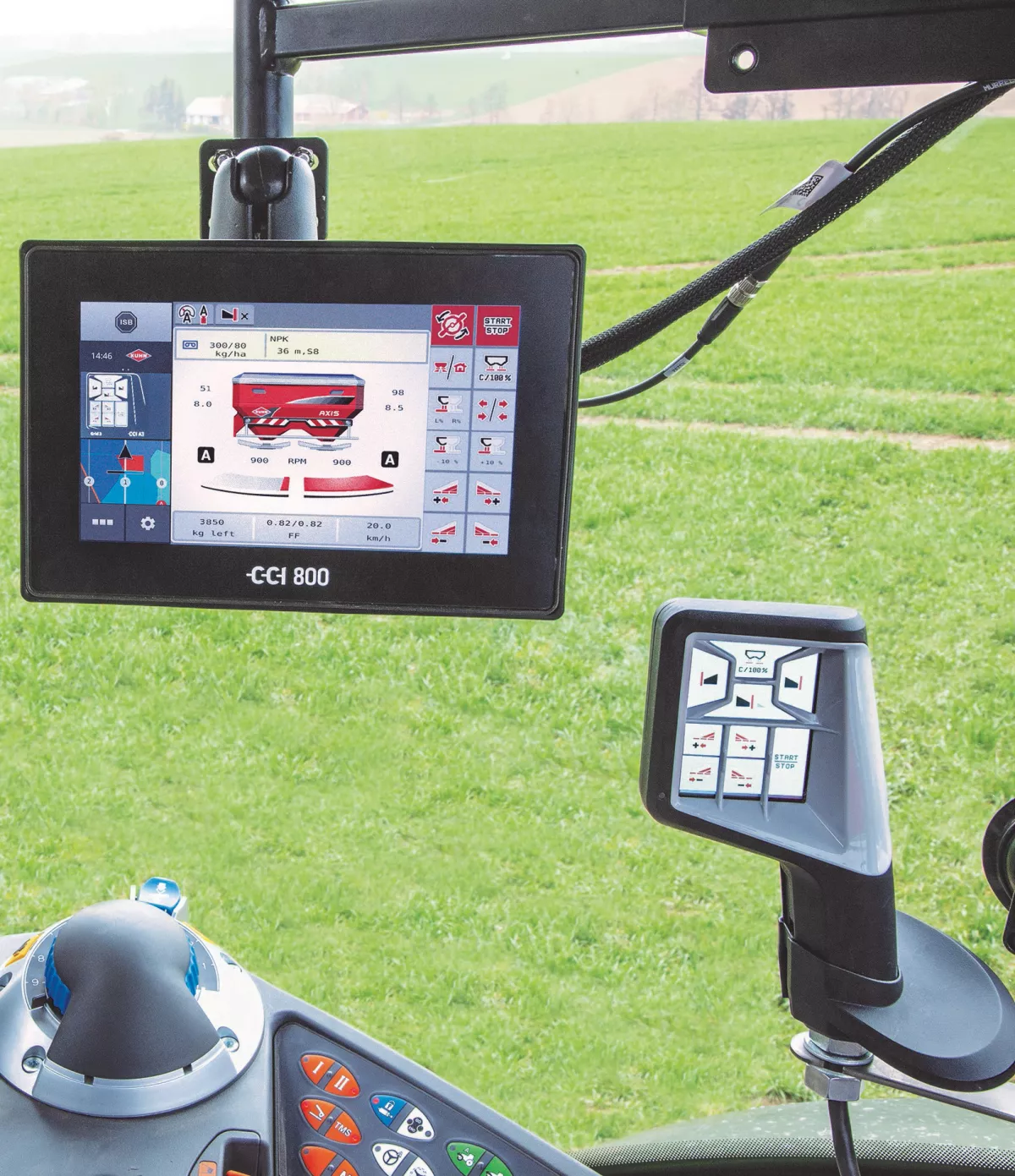
Every CCI 800 and CCI 1200 ISOBUS terminal is equipped with the KUHN CCI Connect Lite, as standard. Subscribe to KUHN EasyTransfer to benefit from remote data transfer. Discover the benefit of CCI Remote View, Online CCI Update, KUHN EasyTransfer and agrirouter today.
CCI-_Connect_Online-Update_MAW1.jpg

Your benefits

Remote View

RemoteVeiw.jpg

Display your terminal screen on a computer, smartphone or tablet

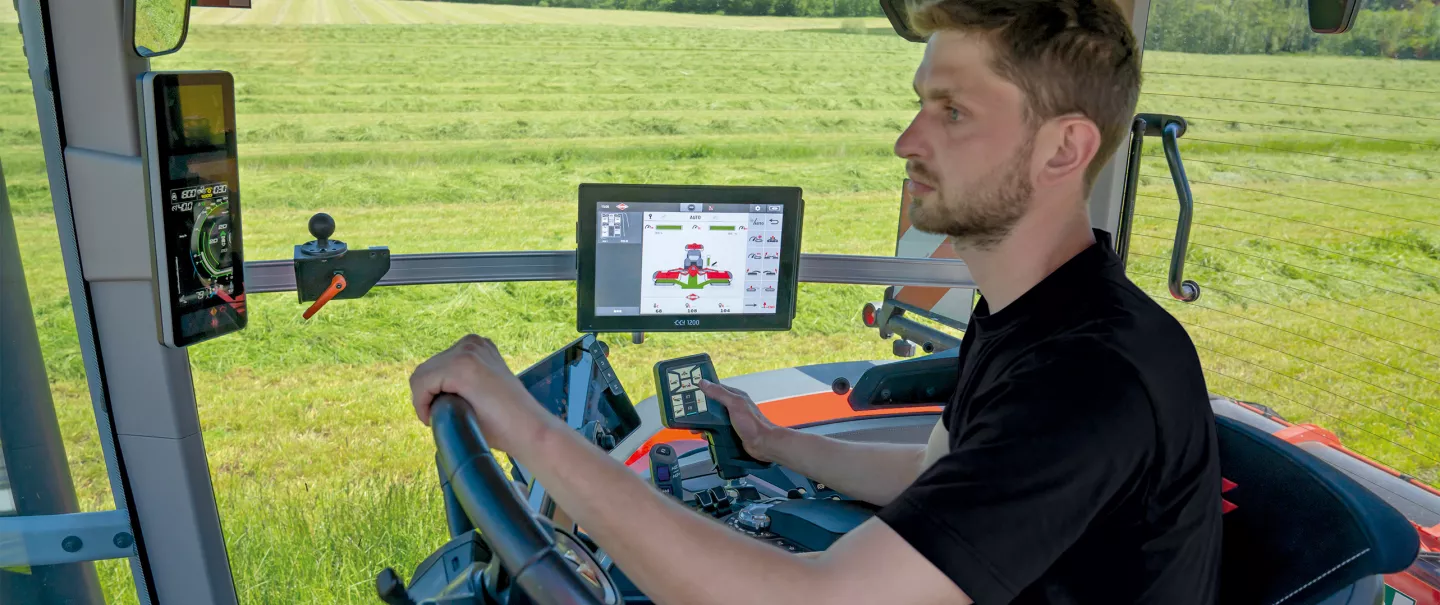
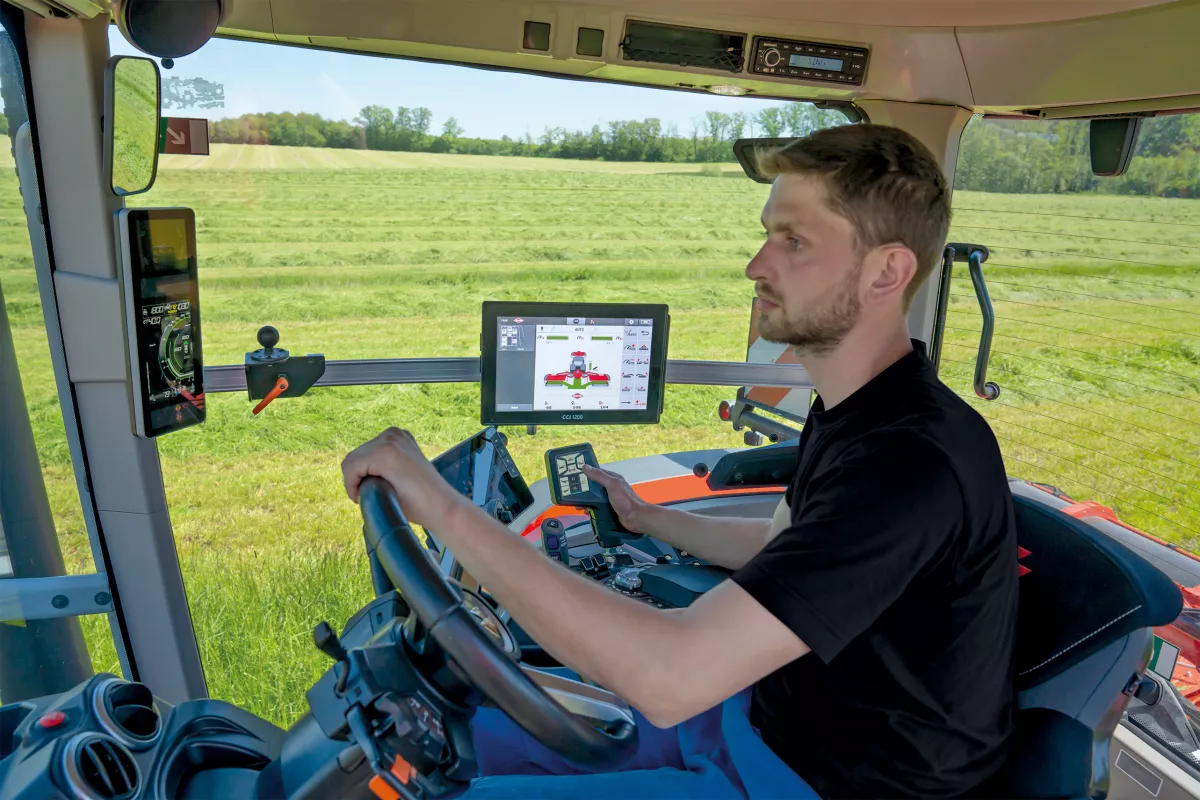
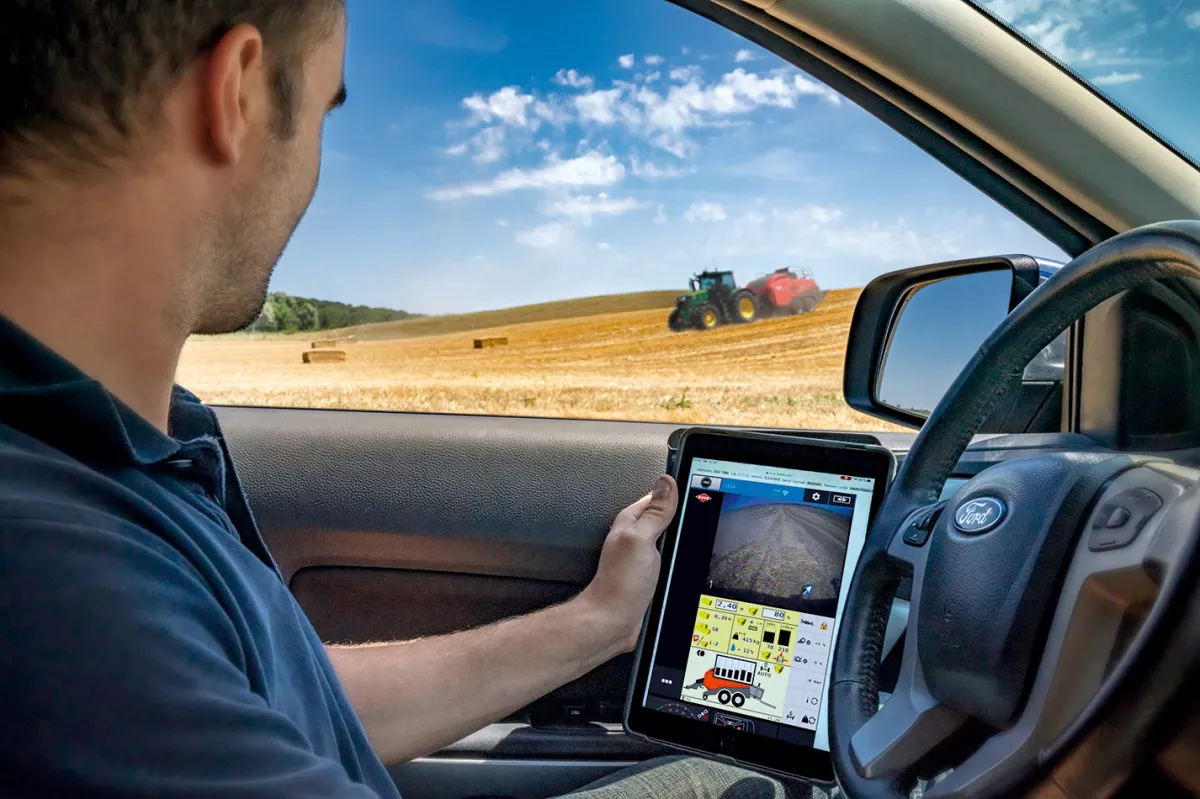
Ideal for viewing work in progress remotely, providing assistance or training to a driver without moving around, Remote View is available via your MyKUHN account from your computer, smartphone or tablet. You get live the screen of the CCI 800 or CCI 1200 ISOBUS terminal as if you were in front of it.
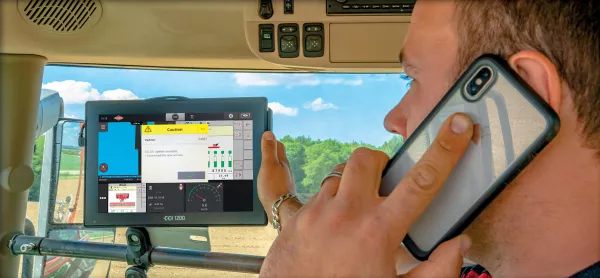
Online CCI Update: a terminal that is always up-to-date

Your ISOBUS CCI terminal displays a notification as soon as a new version of software is available. By launching this update, you'll benefit from the latest developments and fixes for your terminal.
CCI _Connect_Online Update.jpg

KUHN EasyTransfer

EasyMaps_agrirouter_Transfer.jpg

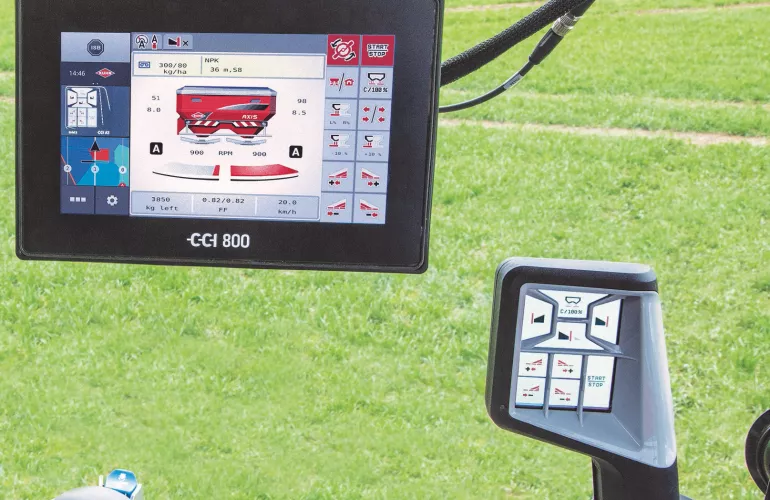
Find your modulation maps on your terminal in one click

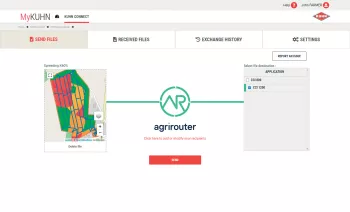
Available on MyKUHN, KUHN EasyTransfer manages the transfer of your documents remotely (tasks, application maps) using the agrirouter data exchange platform. It's the tool you need to save time and make your life easier.

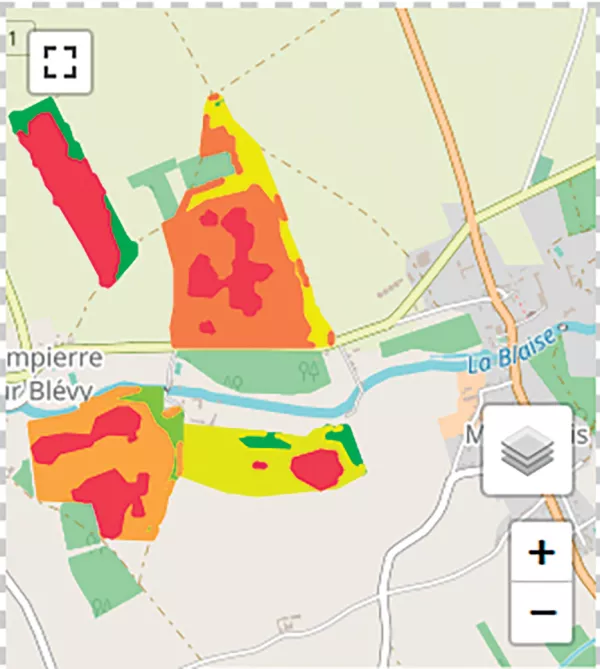
Upload your information into EasyTransfer, then click "send". The documents will be available directly on your terminal. For example, from your office you can send an application rate map (SHAPE or ISOXML) to the in the field. Once the application or task is complete, the operator can return the task file with a click from the terminal to the office.

Transfer your maps in ZIP format

When receiving or creating your application maps in SHP or ISOXML format, you can compress them in ZIP format and transfer them directly to the terminal. It's very easy to use. When the jobs are done, simply send them back to KUHN EasyTransfer and use them in your management software.
MapDataTransfer_Office.jpg

Preview before use

Before sending, KUHN EasyTransfer displays a preview of the plots selected, allowing you a practical way to verify files are correct before hitting send.
ApplicationMap.jpg

Connected to the agrirouter platform

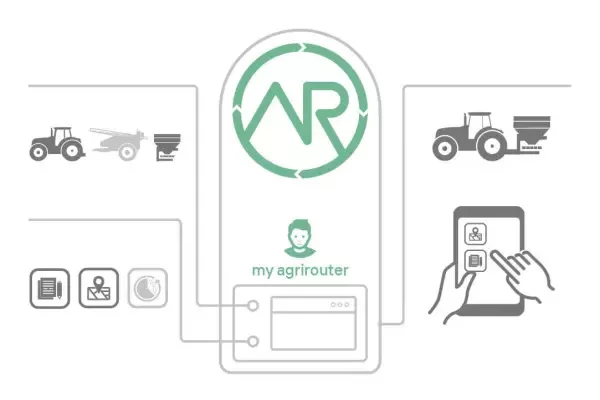
KUHN EasyTransfer is a very simple tool for transferring your data directly to your terminal or computer via the agrirouter platform.Transfer rules and recipients are set on the agrirouter platform. Agrirouter does not store your data, only transfers it, and respects data confidentiality.
agrirouter_Uses.jpg

Agrirouter Ready

agrirouter_Logo.jpg

CCI 800 and CCI 1200 ISOBUS terminals are agrirouter ready

The CCI 800 and CCI 1200 ISOBUS terminals are standard compatible with the agrirouter data exchange platform. Agrirouter safely transfers your data, files and application maps from one place to another. As soon as your machines, terminals and software are connected to agrirouter, they are connected and can communicate with each other.
CCI_RemoteView_MAW2.jpg

Media