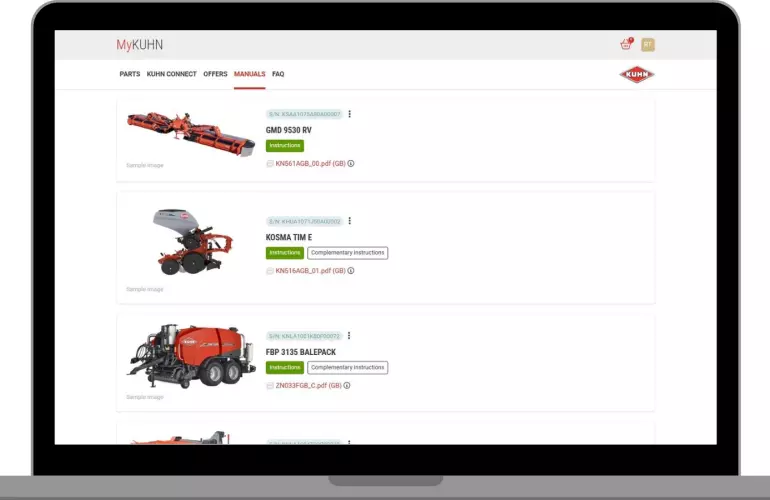
MyKUHN is your customized digital portal for managing your KUHN machinery.
Sign up for free access to manuals, parts lookup, parts requests, maintenance guidance and digital connection features for select KUHN machines and terminals.

What can MyKUHN do for you?
Quick access to technical documentation
All operator's manuals and technical documents are now centralized in one space. Search, download or print the documents you need in just a few clicks - for every machine registered in your account.
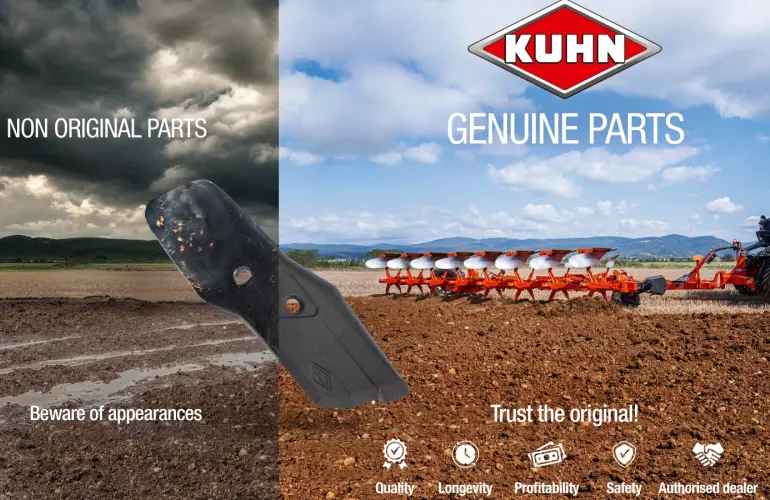
Find genuine KUHN parts to boost your productivity
Find factory-fitted wear parts quickly and easily. Or, browse the online parts catalog specific to your machine to find the exact part you're looking for.
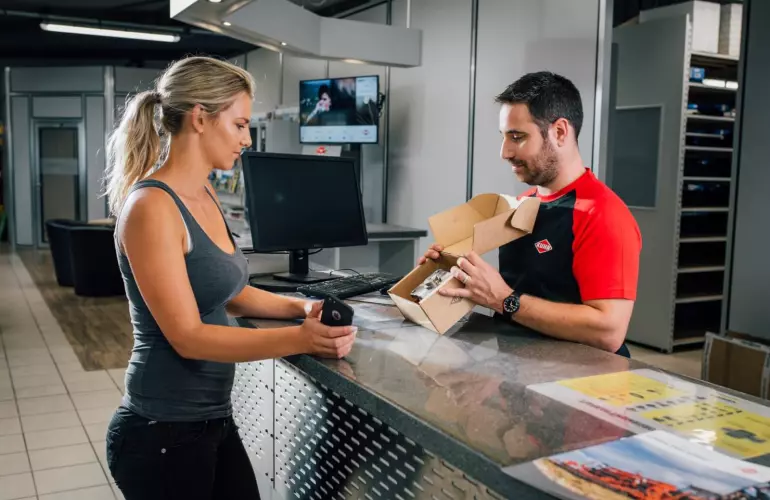
Send parts requests to KUHN dealers to let them know you are in need of a part.
KUHN Connect
Data transfer and application maps
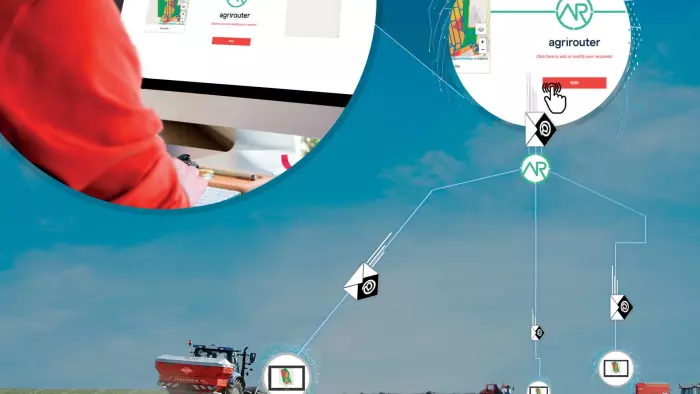
Easily send application maps to your CCI 800 or CCI 1200 terminals thanks to KUHN EasyTransfer and agrirouter. When a job has been completed, the data generated by the machines is transferred to KUHN EasyTransfer, and a PDF report is produced for traceability purposes.
Certified compatibility with major market formats (SHP, ISOXML), making precision farming accessible to everyone.

Remote view
Need to check progress, troubleshoot, or guide an operator? Remote View makes it easy. Access your ISOBUS CCI 800 or CCI 1200 terminal in real time from your computer, smartphone, or tablet and see your machine's terminal screen as if you were in the cab.
...And more
See the latest financing and coupon programs from KUHN and connect with your favorite dealers to make parts requests easier .
Unlock success with MyKUHN
Sign In / Sign Up
Frequently Asked Questions
-
With MyKUHN, you gain access to a personalized portal that allows you to:
- Access all the technical documentation for your machines: user manuals, maintenance sheets, and technical guides.
- View maintenance schedules associated with your equipment to plan interventions in advance.
- Select spare parts tailored to your machine: interactive exploded views and direct parts requests to your KUHN dealer.
- Access all connected services, including KUHN Connect. -
Yes, you can register all KUHN machines that are approx. 20 years old or newer to centralize their management, track their history, access technical documentation, and view specific information related to each machine.
-
Yes, MyKUHN is available on all your devices—computer, tablet, and smartphone—for a smooth and convenient experience, even in the field.
-
Yes, registering for MyKUHN is completely free and available to all KUHN customers.
-
Yes, you can easily update your personal details at any time from your user profile in MyKUHN.
-
In accordance with regulatory guidelines, KUHN is committed to protecting your personal information. After registering for MyKUHN, you can find full details about how your data is collected, used, and protected in our Privacy Policy and Terms of Use.
-
To create your MyKUHN account, simply follow these steps:
1. Go to mykuhn.kuhn.com,
2. Click on “Create an account”,
3. Fill in the registration form with your details,
4. Confirm your registration: you will receive a confirmation email. Click the link to activate your account,
5. Log on to your MyKUHN portal: you’ll then have access to all features, including machine management, spare parts selection, document downloads, and more.